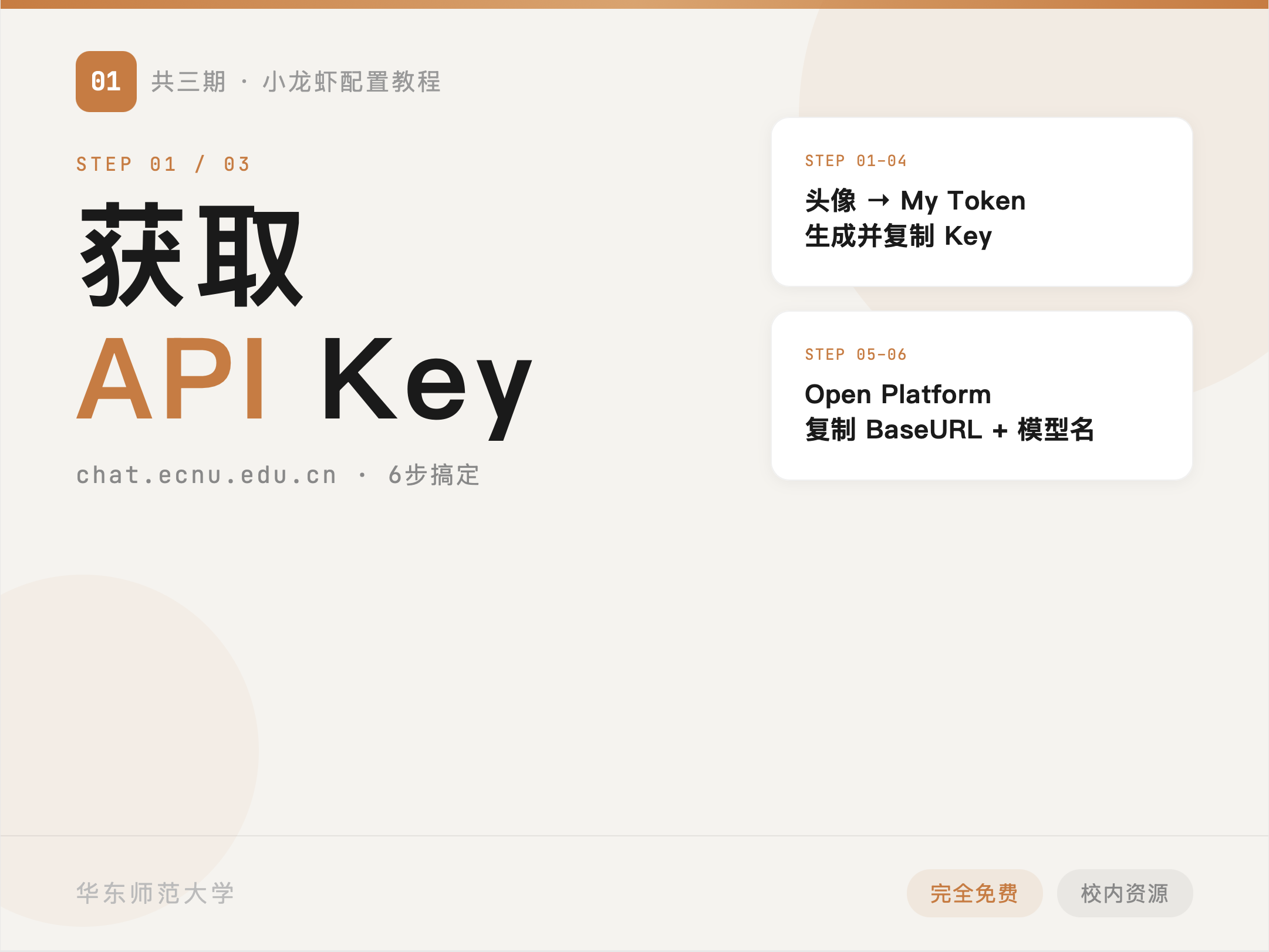
Step 1
Retrieve ECNU AI API Credentials
Collect the API key, base URL, and model name from ChatECNU before starting the OpenClaw setup.
Read Tutorial IA guide to the three OpenClaw setup posts: retrieving API credentials, completing the local installation, and connecting a Feishu bot.
This set of posts follows a continuous setup path: first retrieve API credentials from ChatECNU, then complete the OpenClaw installation locally, and finally extend the same model setup into a Feishu bot. Each post can be read on its own, but the order is clear enough that it is useful to provide a single entry point for the full sequence.
Who this series is for: Readers who want to connect OpenClaw to the ECNU AI platform and then extend the same setup into Feishu.
How to read it: If you are setting everything up for the first time, follow the order ① → ② → ③. If you only need one specific part, jump directly to the relevant post.
Collect the API key, base URL, and model name from ChatECNU before starting the OpenClaw setup.
Read Tutorial I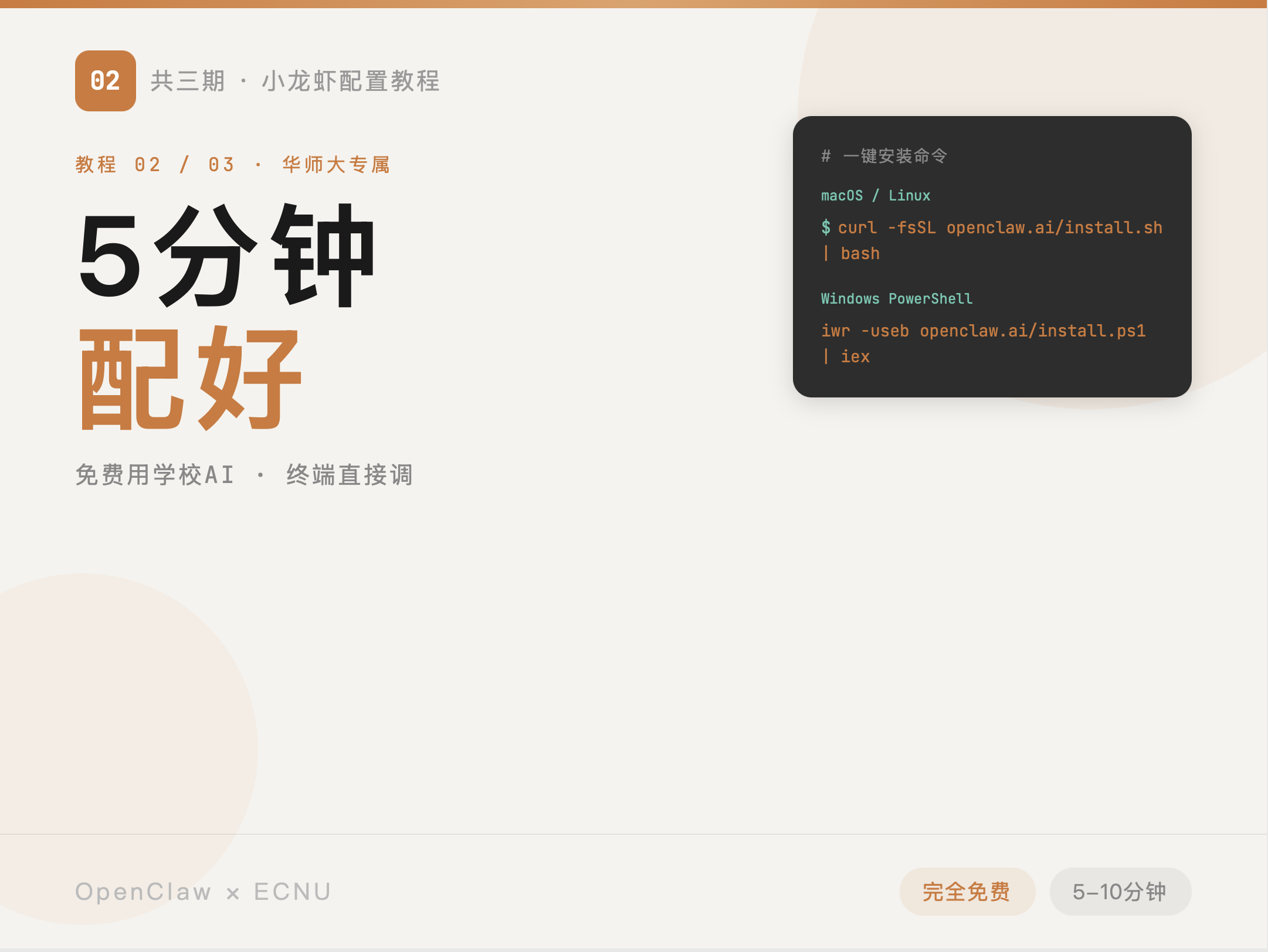
Complete the local installation, choose the provider, enter the API values, and verify that the setup works.
Read Tutorial II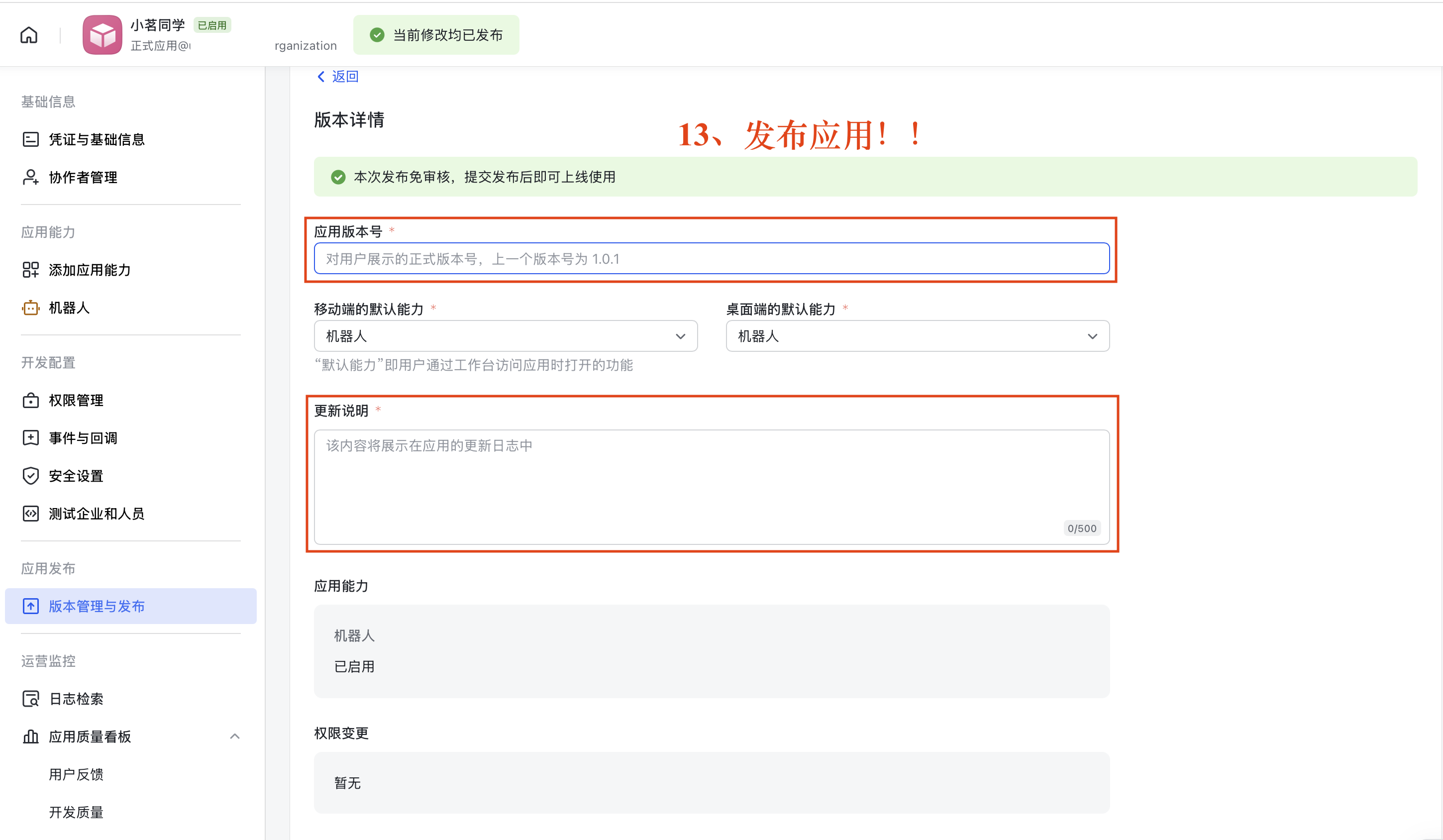
Create the app on the Feishu Open Platform, import permissions, subscribe to events, and publish the integration.
Read Tutorial IIIIf you only want to complete one part of the setup, this overview works as a quick entry point. If you plan to walk through the entire process, it also helps you see where you are and what to read next.
Here are some more articles you might like to read next: